




Juncture
Juncture is a social calendar app that helps you automatically find the best time for everyone to hang out and keeps your social planning all in one place.
Duration
Aug 2024 - May 2025
Client
Drexel University
Services
Senior capstone project
UI/UX design
UX research
Brand strategy
The Problem
what is juncture

my role / what i worked on
Led UX design
Established a component-based design system
Prototyped app screens
Prepared designs for dev hand-off
Supported user research
Conducted user interviews and usability testing
Synthesized data for design decisions
Developed a brand identity
Founded a core brand identity for the app
Made marketing materials to represent the Juncture brand
What juncture addresses
For our initial research process we surveyed around 100 adults, about 55% of which who were college students. From the survey, we found that event planning can be hindered by:


The core feature

Auto calendar compare
Sync your Google calendar and let Juncture find the perfect time for everyone.
Our highest priority feature goal was to design a time selector that was simple, efficient, and flexible.
UX parameters for this feature:
Every invitee has a synced google calendar to accurately reflect their availability
The user selects dates and a time range and the app provides suggested times, showing how many people are available
Toggle to change view from suggested times to a single day view showing how many people are available at a time slot

App Sketches
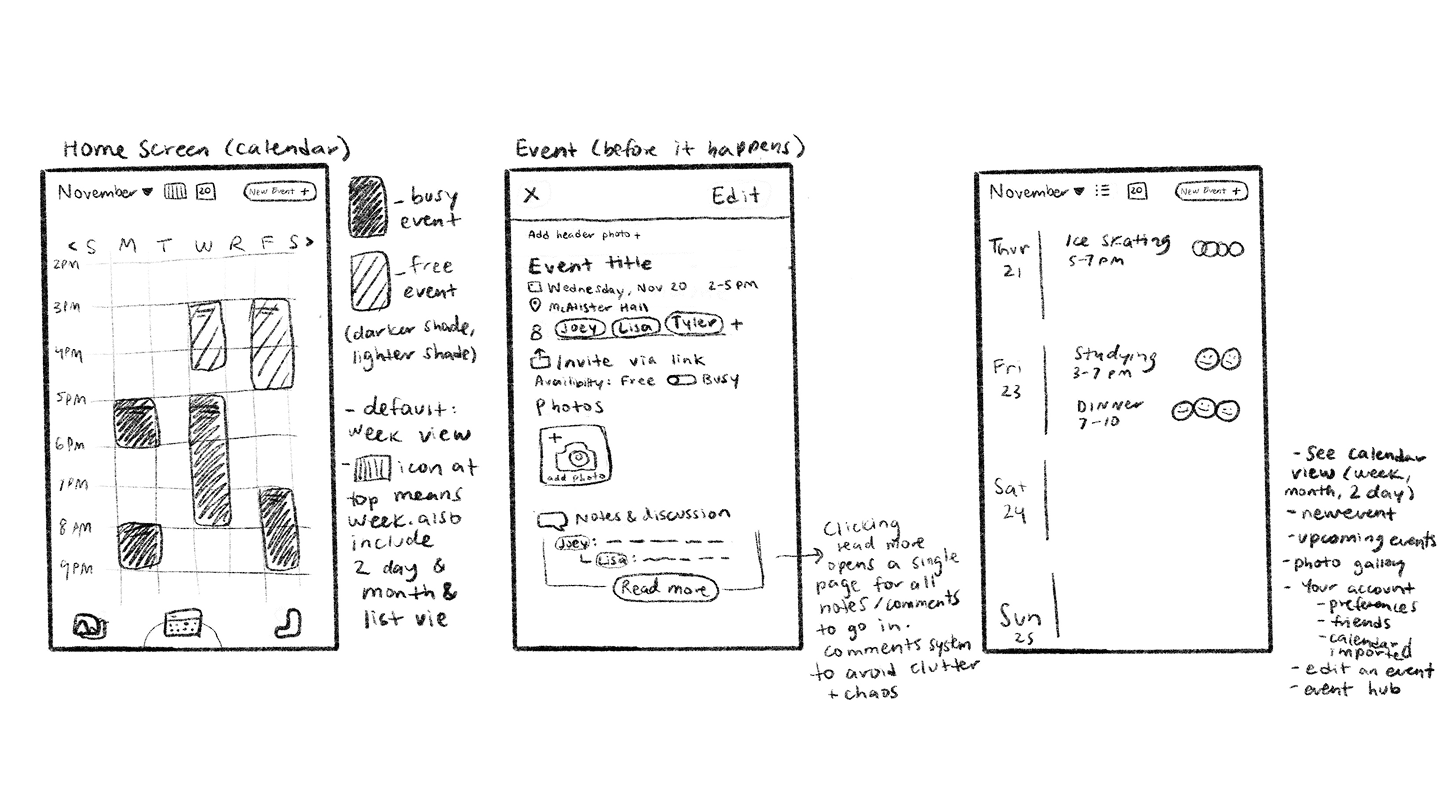
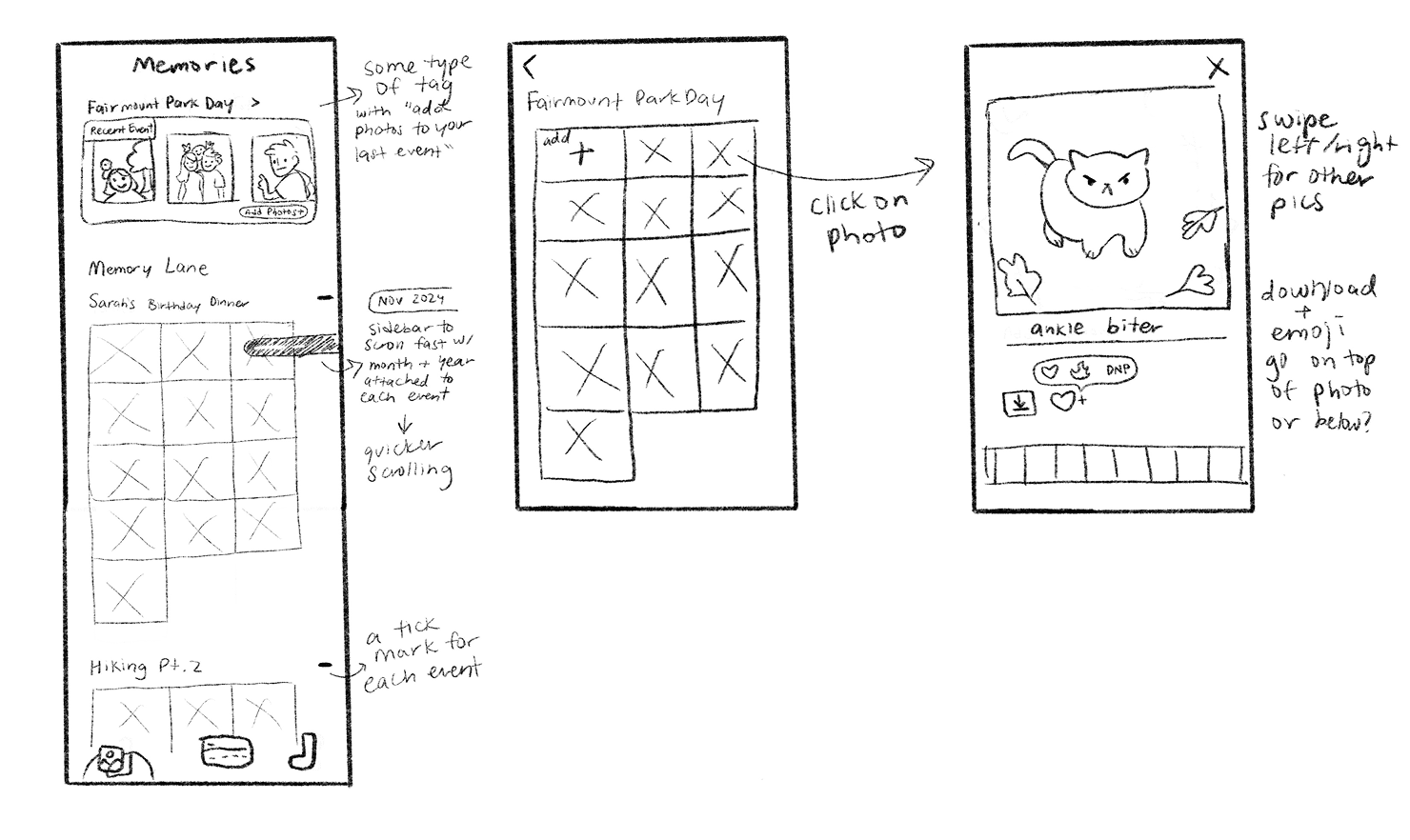
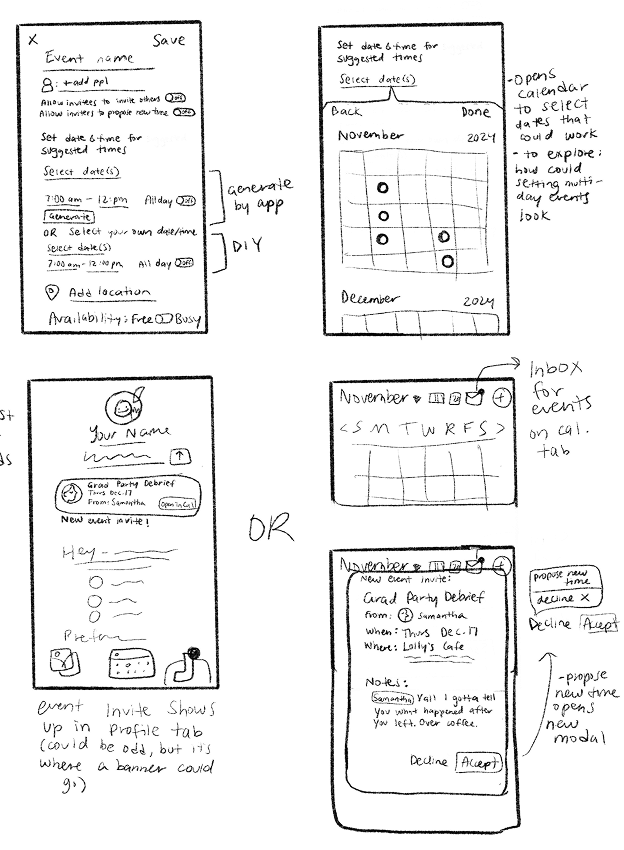
Below are a few sketches I did to visualize my initial ideas for the app. This includes a general layout for the calendar, what content is featured on the event details page, what a profile page could look like, and a high-level flow for viewing event albums.
Desirability study
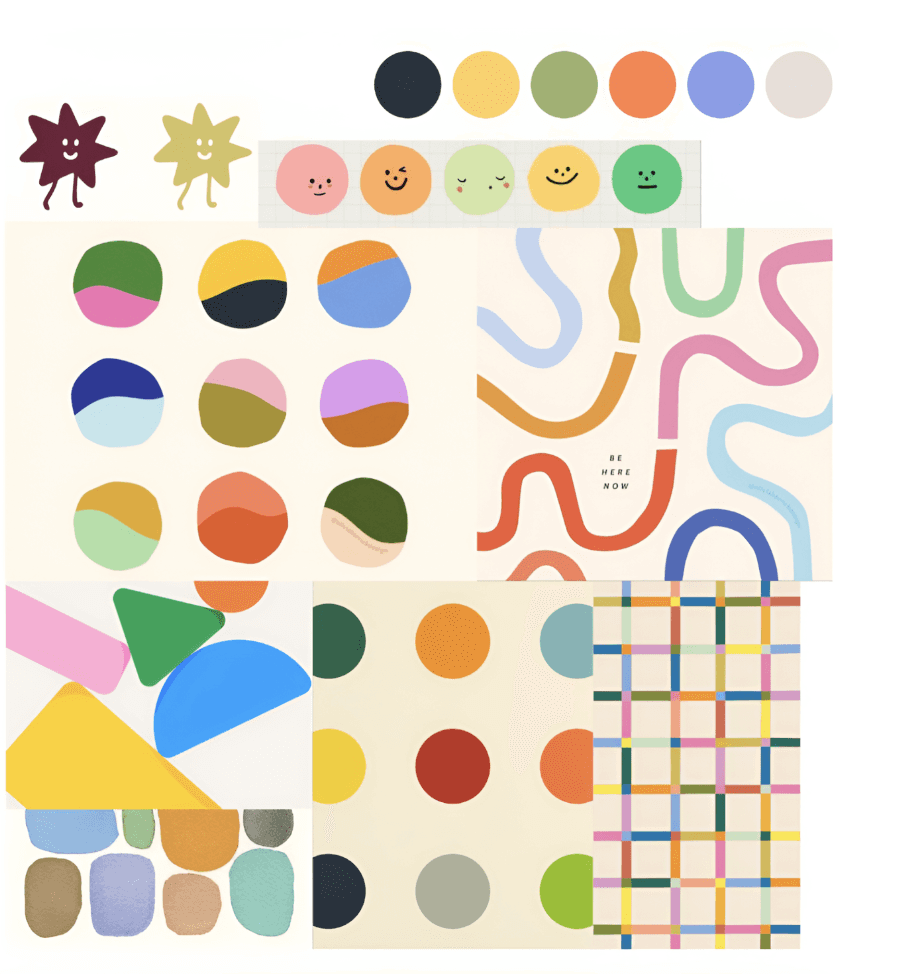
To better understand our path for visual branding, we surveyed 57 participants in a desirability study. Two panels with different mood boards were presented with the same 25 descriptors available to select and best describe them.

Top words:
Energetic
29 votes
Distracting
24 votes
Complex
25 votes
Top words:
Friendly
43 votes
Energetic
40 votes
Creative
36 votes
Results + conclusion
The more muted color palette received more votes for words with positive connotations, which helped us decide to built a color palette with softer tones for both the app and Juncture's branding.
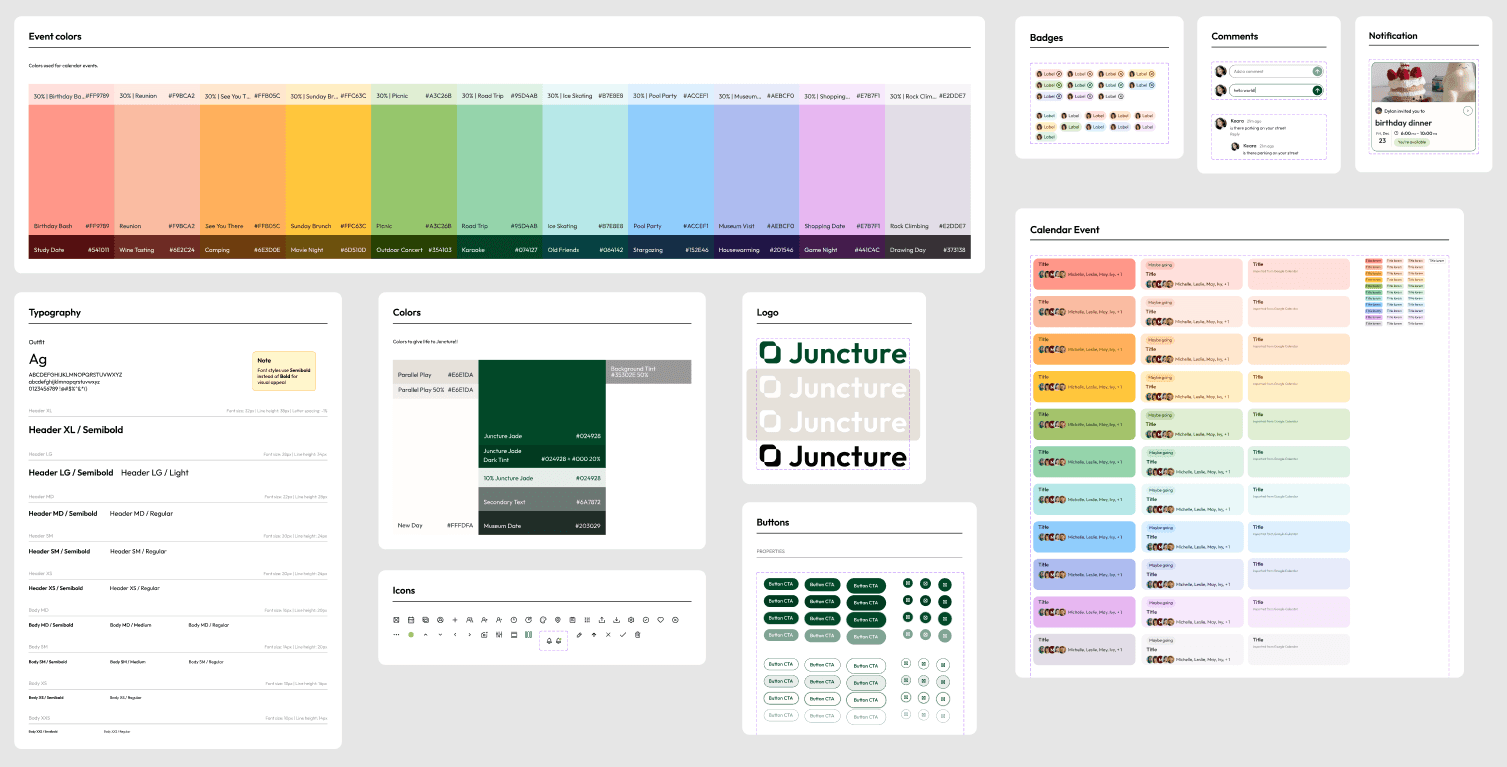
Design system
Low Fidelity Prototype
Design goals: Identify key features, outline the user flow, and establish a foundation for the time selection feature.
Usability testing takeaways:
Compare availability
5/6 participants were confused by the visualization of friend availability
Notifications
Participants had difficulty managing all notifications at once
Calendar views
Participants found value in being able to easily switch between a single and multi-day view
Mid Fidelity Prototype
Design goals: Simplify the time selection feature, enhance event invitations with more relevant information, and explore a warm, scrapbook-style UI.
Usability testing takeaways:
Event creation
100% of participants found event finalization to be overwhelming, confusing, or disorienting
RSVPs
Participants needed an easy way to RSVP to events right from an event page
Notifications
Participants desired even more distinction between different types of notifications
High Fidelity Prototype
Design goals: Provide clear options for selecting a time, separate notifications into invitations and event notifications, add photo engagement features to the memories page.

The final product
Juncture's foundation:
The calendar
Sync your Google calendar to accurately reflect your schedule
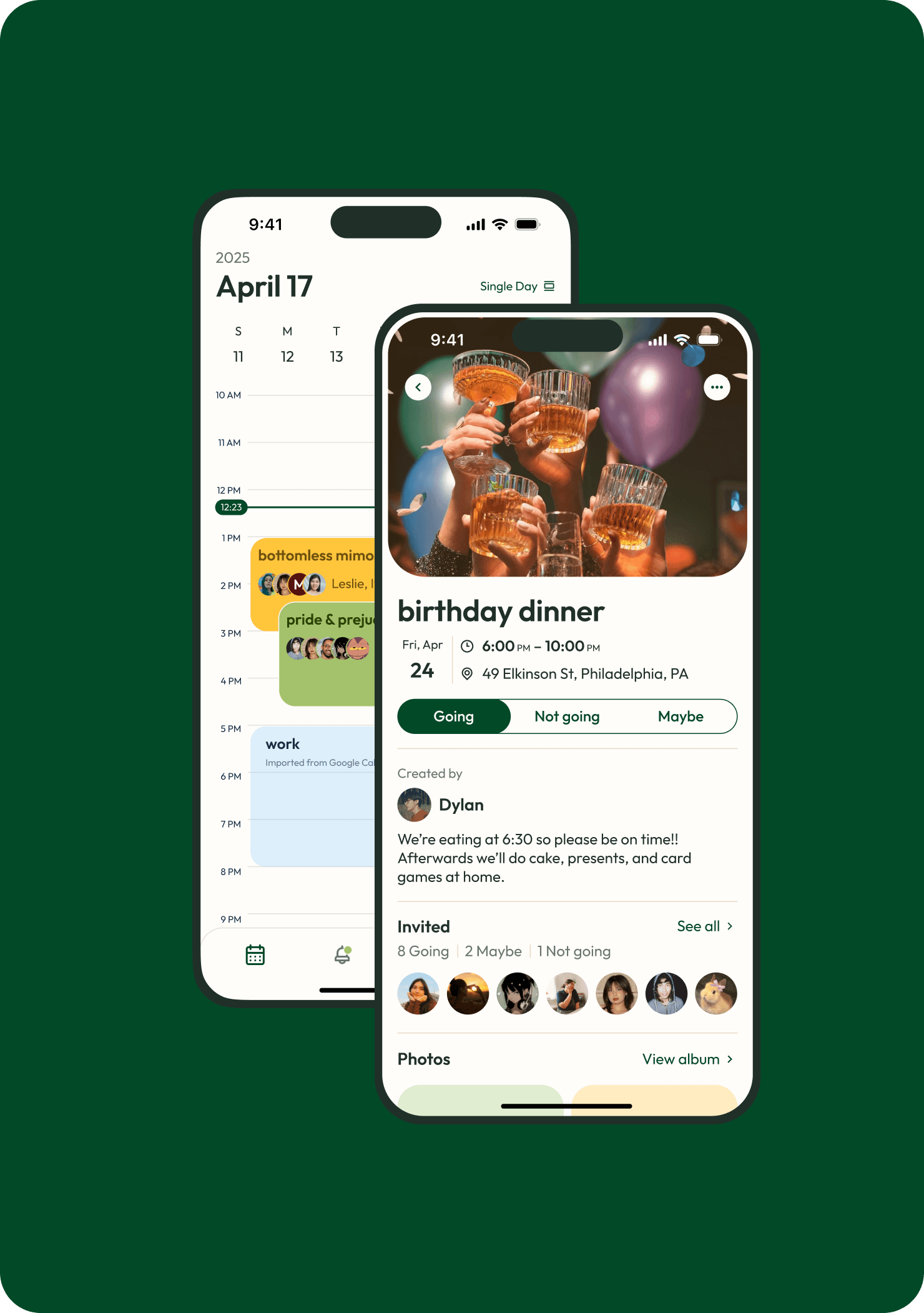
View all of your Juncture and Google events along with your RSVP status and who's attending
The calendar has three views: single view, three day view, and month view for different viewing experiences
The final product
Juncture provides a list of suggested times for your event based on your and your friends' availability
Adjust the date and time parameters to customize your results of suggested times
Use the toggle feature on the bottom right to switch between a list of suggested times and a gradient view showing how many people are available on a calendar day

The final product
Event invitations
Juncture provides a list of suggested times for your event based on your and your friends' availability
Invitations on the notifications page are sorted into 'Needs response', 'Responded', and 'Your past events' and show vital event information
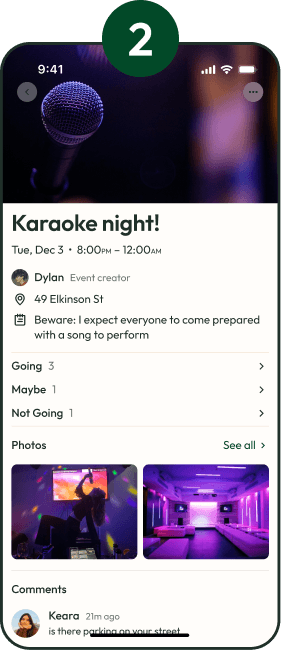
Expand the invitation to update your RSVP status and view who's going, notes from the event owner, photos, and a comments section for event planning/discussion
The final product
Memories: Looking through the event albums
Each event created has a photo album attached for sharing and preserving memories
Once an event ends, a reminder to add photos to the latest hangout sits at the top of the memories page
Download the photos from the album to your local device
Add comments to photos to record your memories from the event

Reflection
What this project has taught me
Working on this project from start to finish over an entire school year was incredibly fulfilling and was worth the challenge. Developing Juncture as a UX designer has taught me how important it is to ask right questions to find what would be most valuable to the users we're designing for, and how to make digital experiences easy to use and understand.
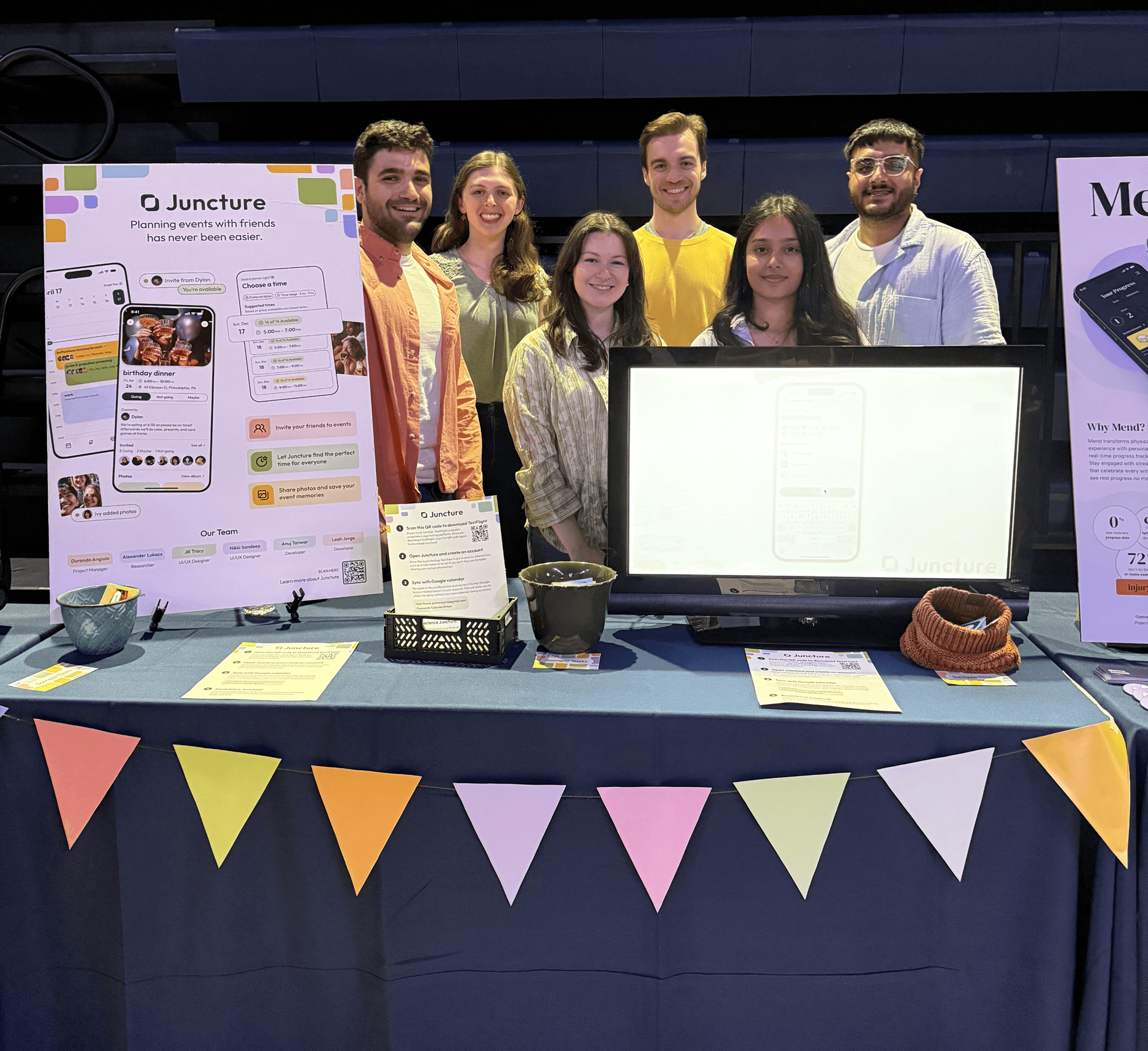
I'm immensely grateful to have been able to work with a passionate and diligent team throughout the entire process. Whether it was brainstorming ideas for our app, handing off designs to the development members, practicing our final presentation over and over again, or chatting after meetings, I've had an amazing time collaborating with this team and seeing our project grow.
Check out our final presentation!
More case studies
DATA VISUALIZATION
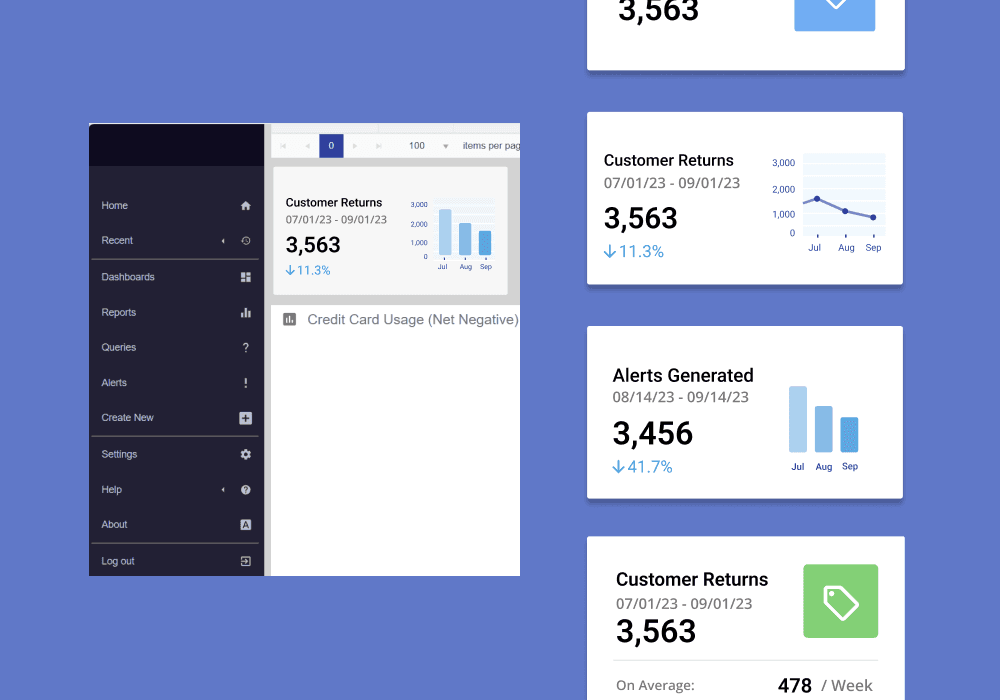
A visual and functional redesign of KPI dashboard widgets for loss prevention services.
FRIEND-POWERED DATING APP

The research and design process for a gem-themed dating app where users can invite their friends to attest to their personality and help build their profile.